DEFINE & DISCOVER
Spark of Start
Where It All Started
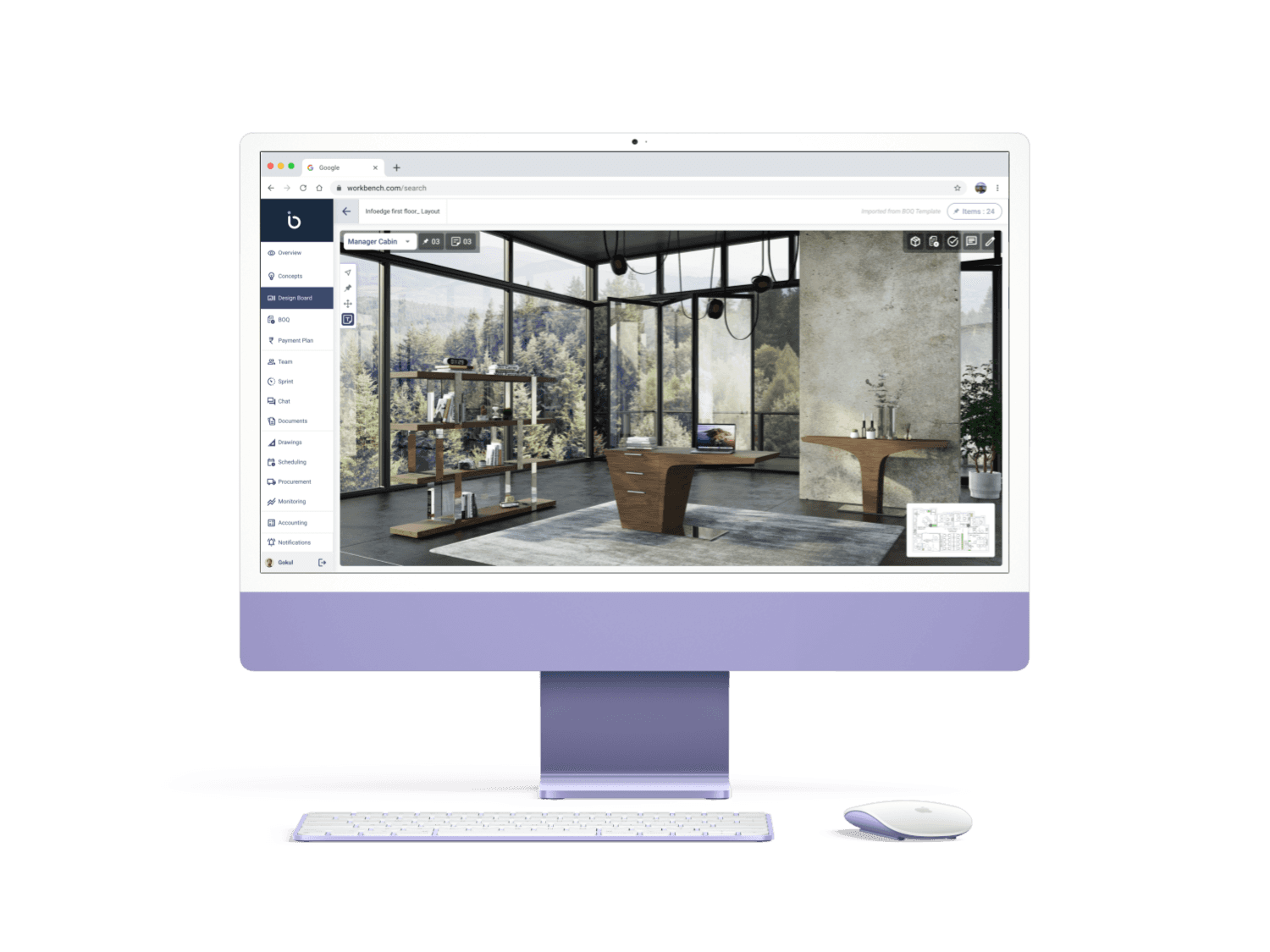
On joining, I was assigned to design the UI for a 3D Space Configuration project in Unreal with minimal guidance. I delivered a seamless design that not only worked well but also influenced the company’s visual direction.
The Bumps in the Road
After seeing the impact of my previous work, the team wanted to collaborate on a Visual experience—a project that put my design approach to the test. While client meetings were positive, the conversion rate remained low, with prospects engaging but not committing. My challenge was clear: turn great interactions into real leads by refining the experience and bridging the gap between interest and action.
Goals Set, Ready to Go
Despite positive client meetings, the conversion to leads wasn’t happening, meaning the gap existed within the meetings themselves. My goal was to enhance the meeting experience, ensuring clarity and engagement. To understand the issue, I sat through five meetings with my team. In two, the discussions flowed well, but in the other three, clients seemed lost on what to expect, and their teams were disengaged and uninterested—a clear sign that the process needed a rethink.
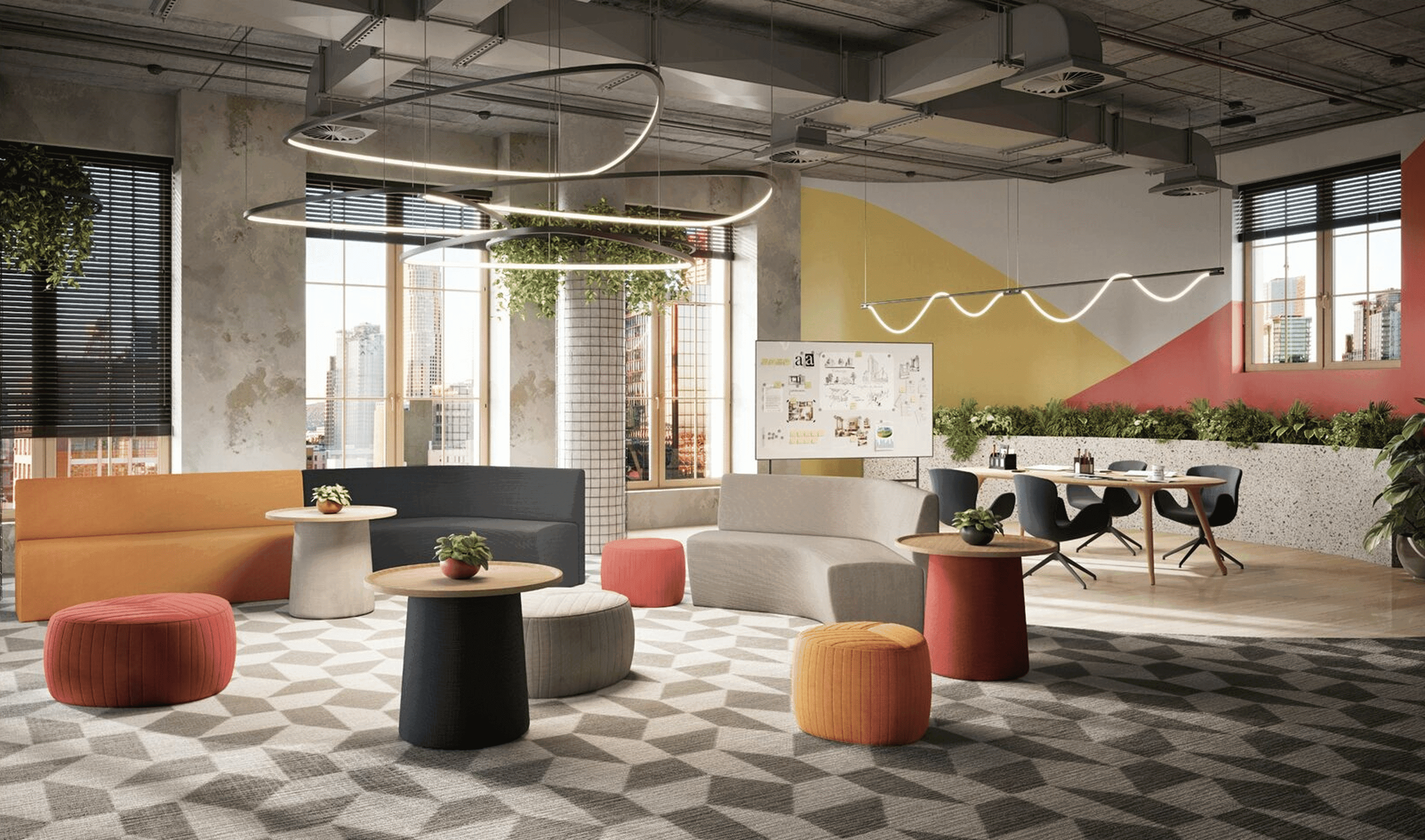
How might we make client meetings more structured and engaging to drive better conversions?
How?
ANALYSIS & IDEATE
Ideas to the Table
The Gap
Through observation and client feedback, it became clear that 60% of users struggled with design style terminology when architects asked about their preferences using reference books. Additionally, many clients felt disengaged as they couldn’t fully visualize what was being explained, leading to a lack of connection in the discussion
Reimaginate
To bridge the gap, our team of three brainstormed a solution that tackled both style identification and spatial visualization. We broke it into two key components:
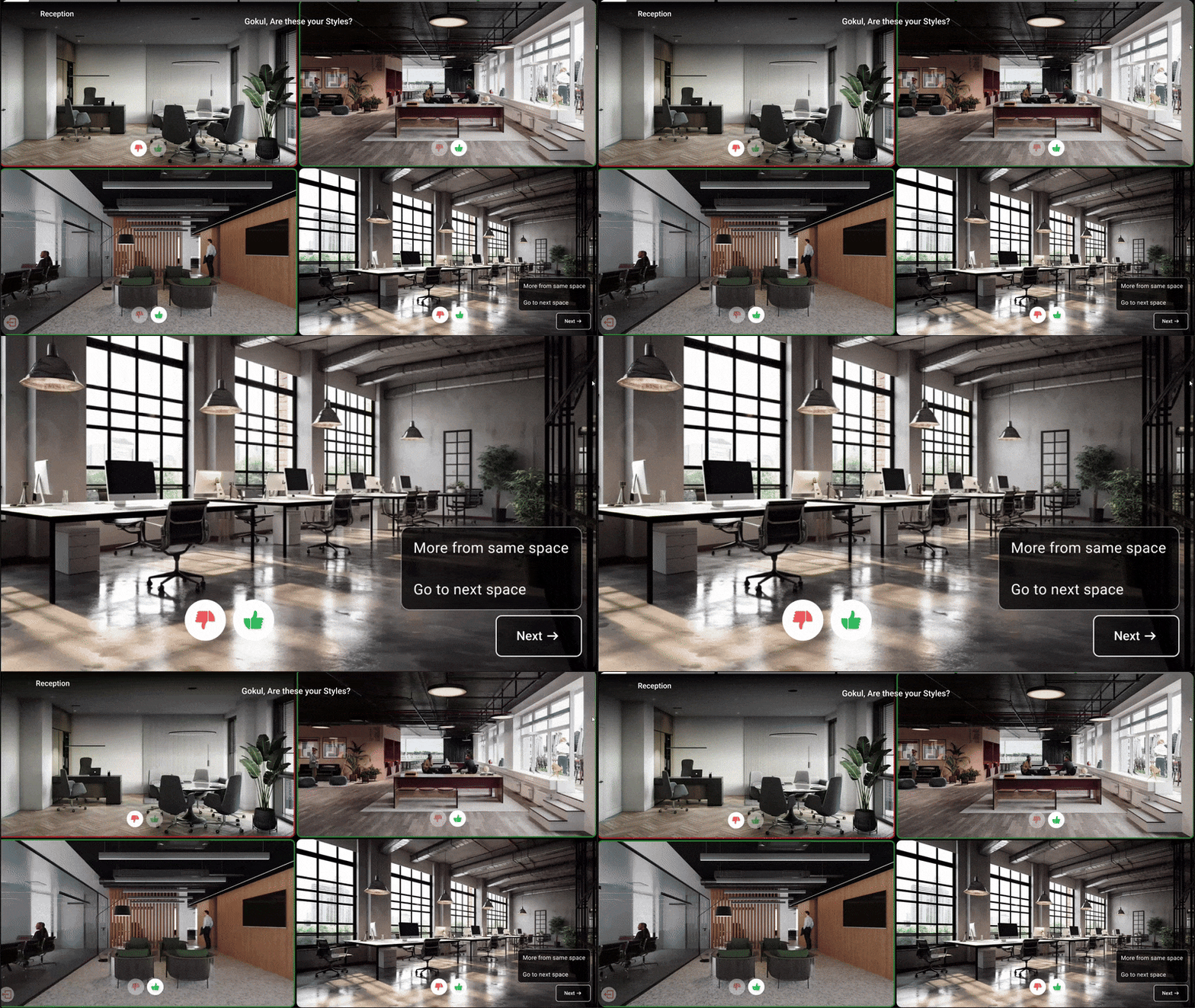
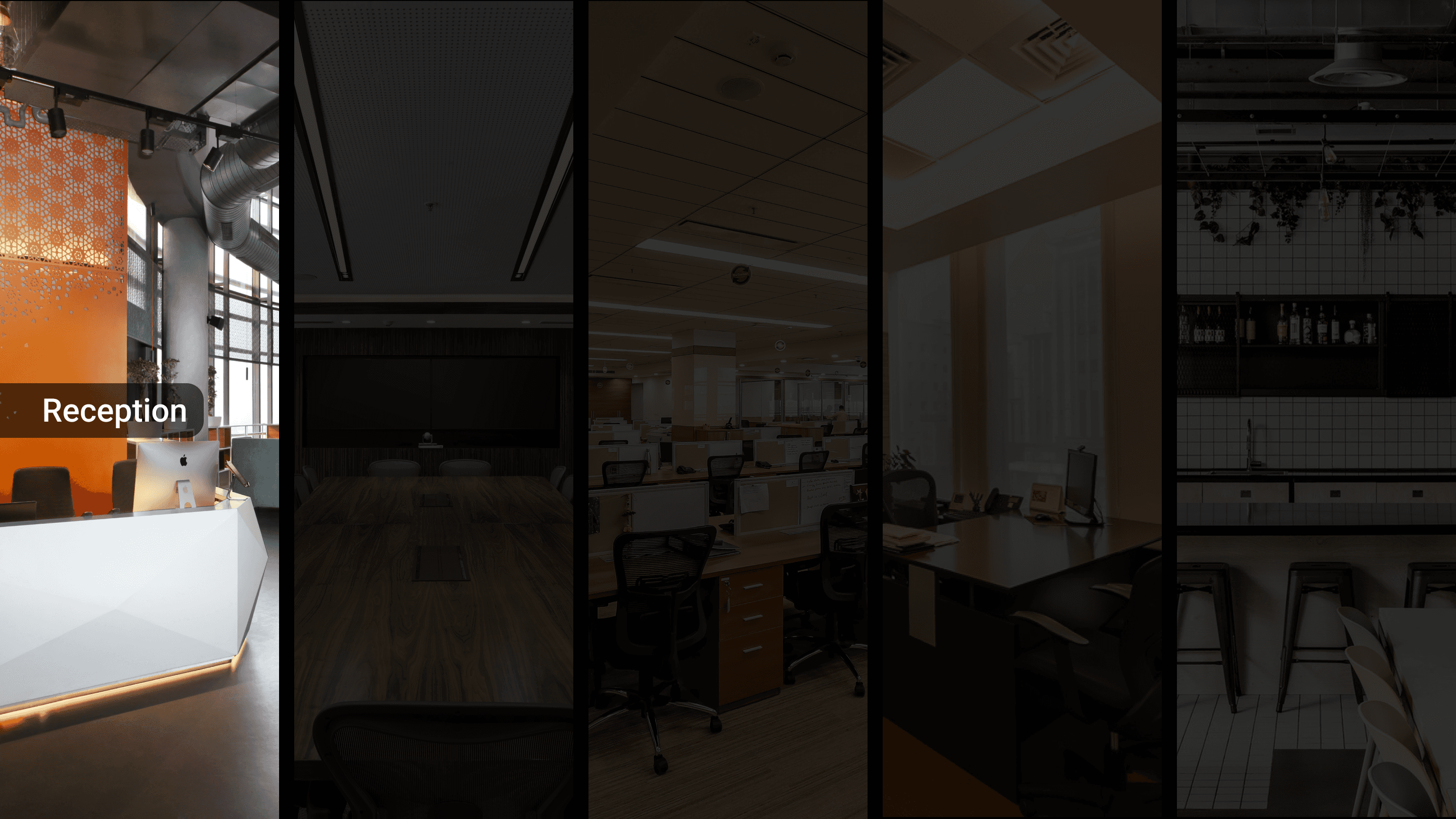
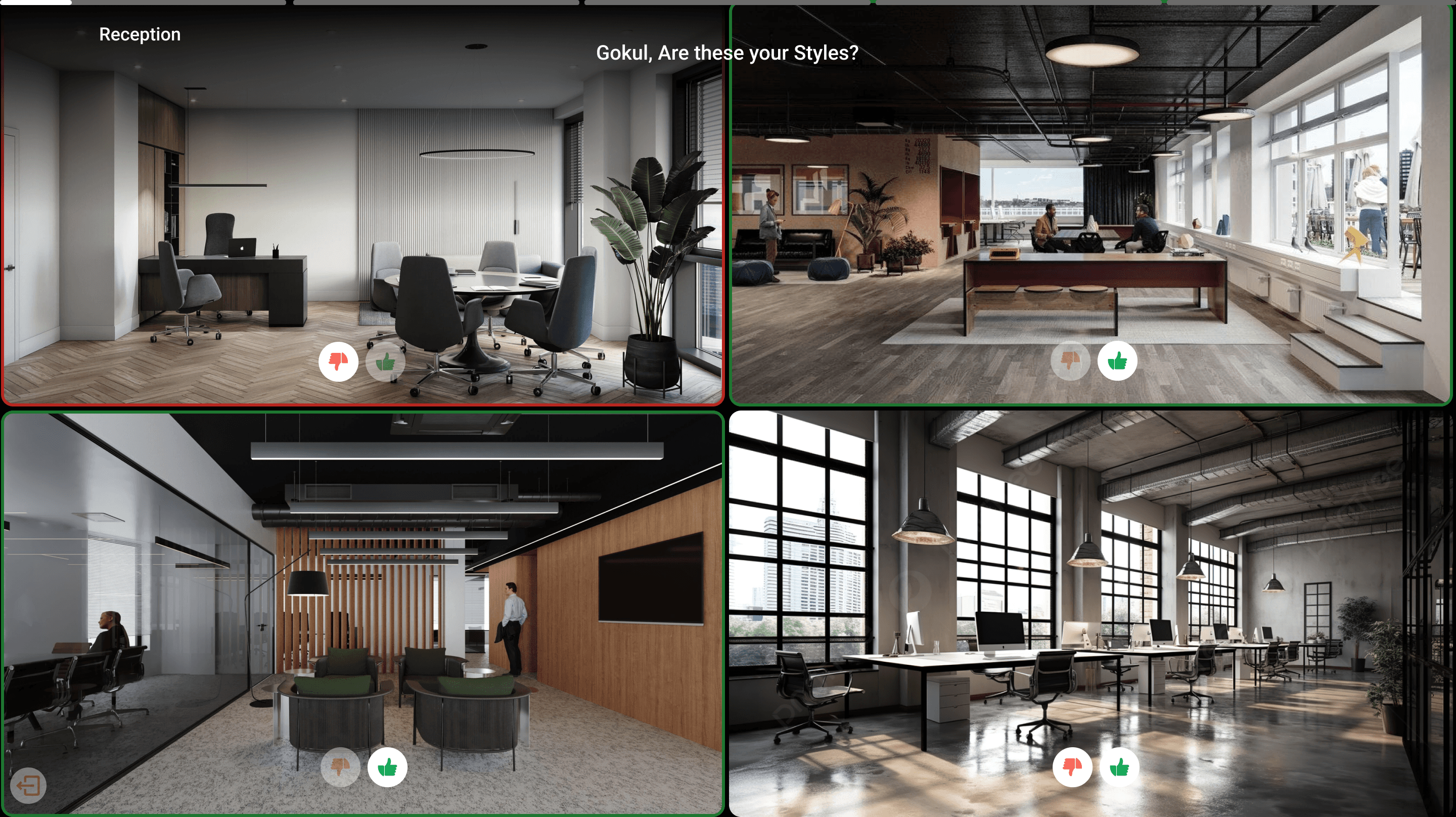
Render Quiz – Instead of asking clients about design styles directly, we introduced an interactive way for them to express preferences. By digitally showcasing rendered images and allowing simple like/dislike actions, we could capture their taste effortlessly, turning the process into an engaging, gamified experience.
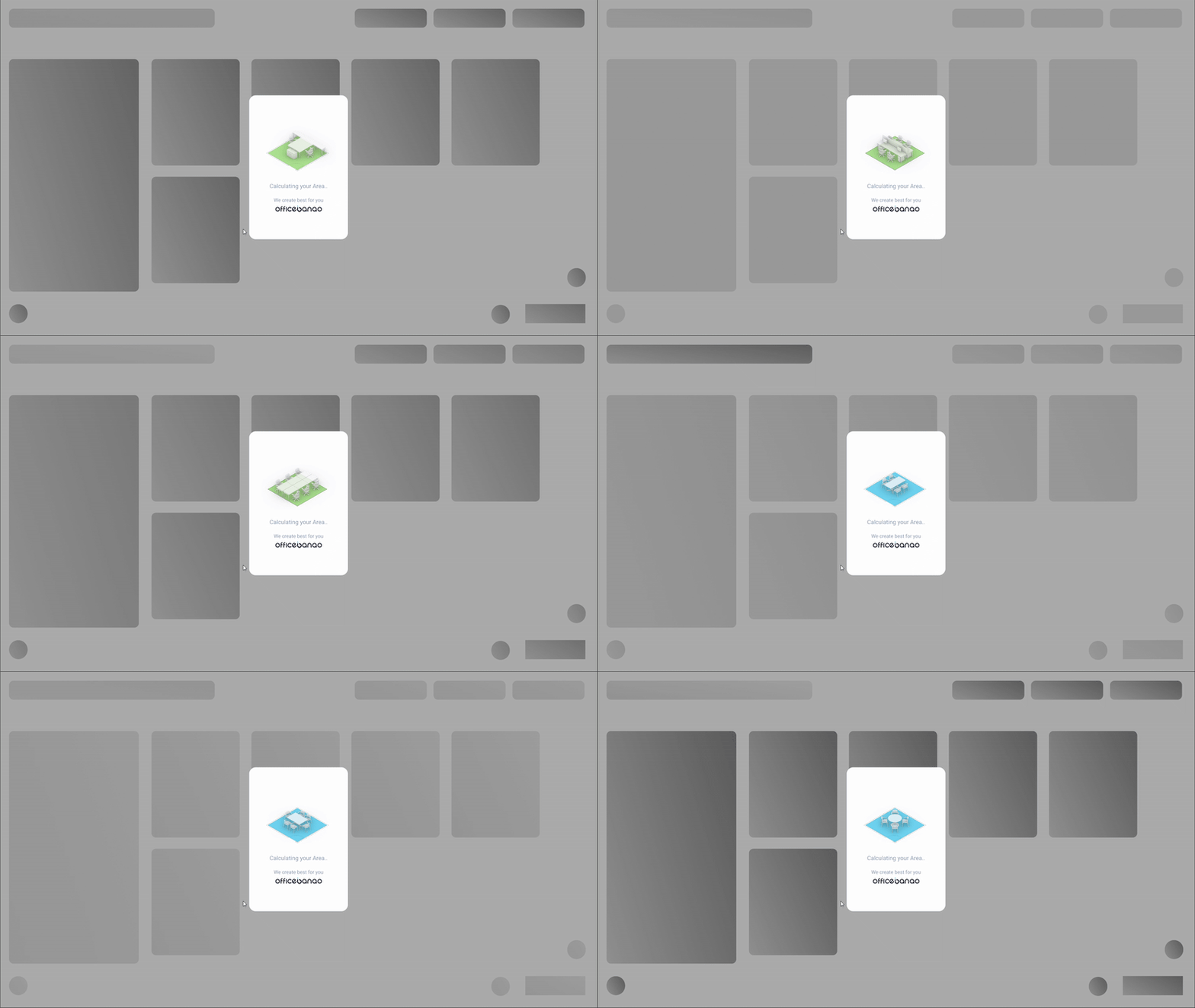
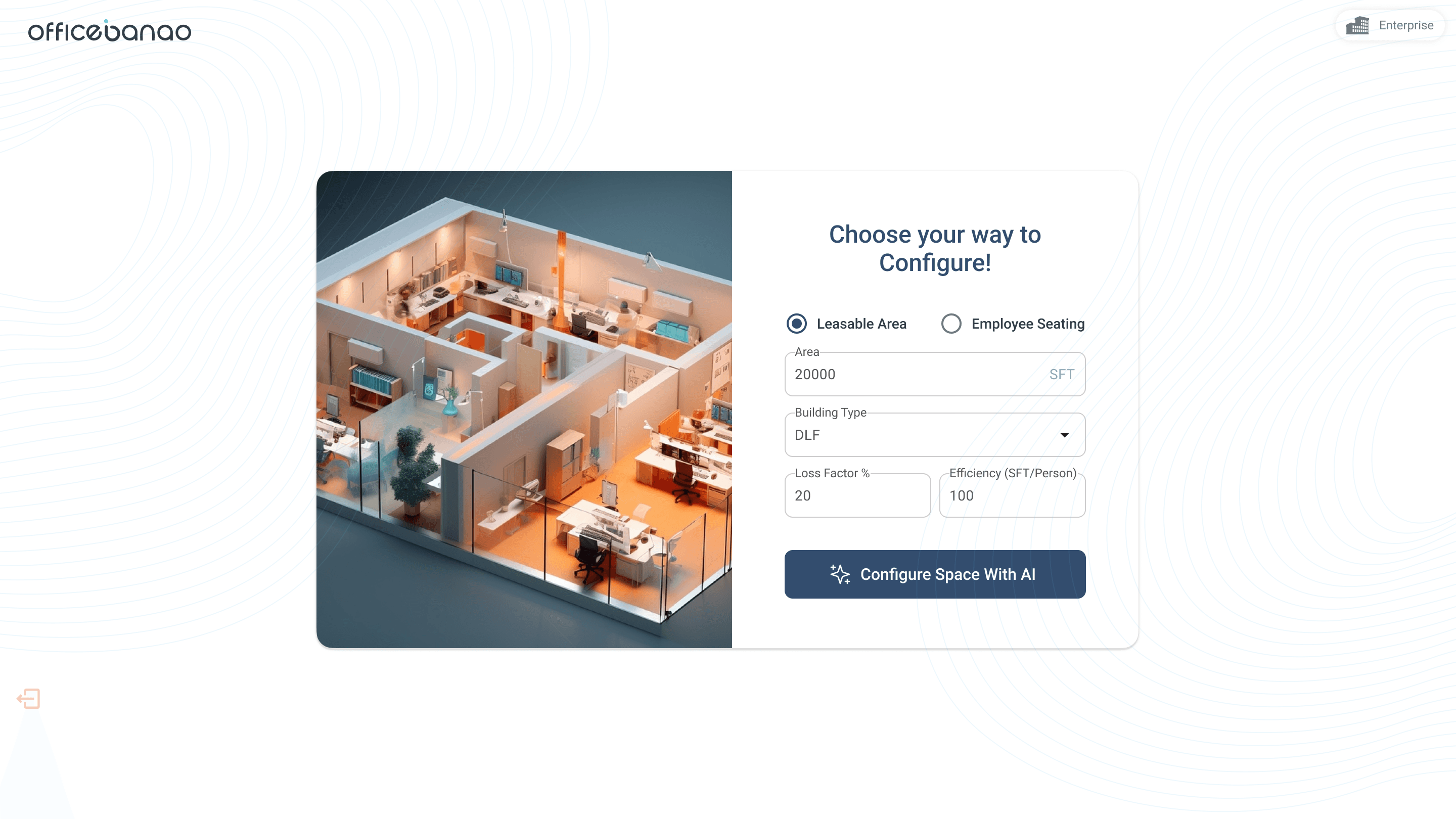
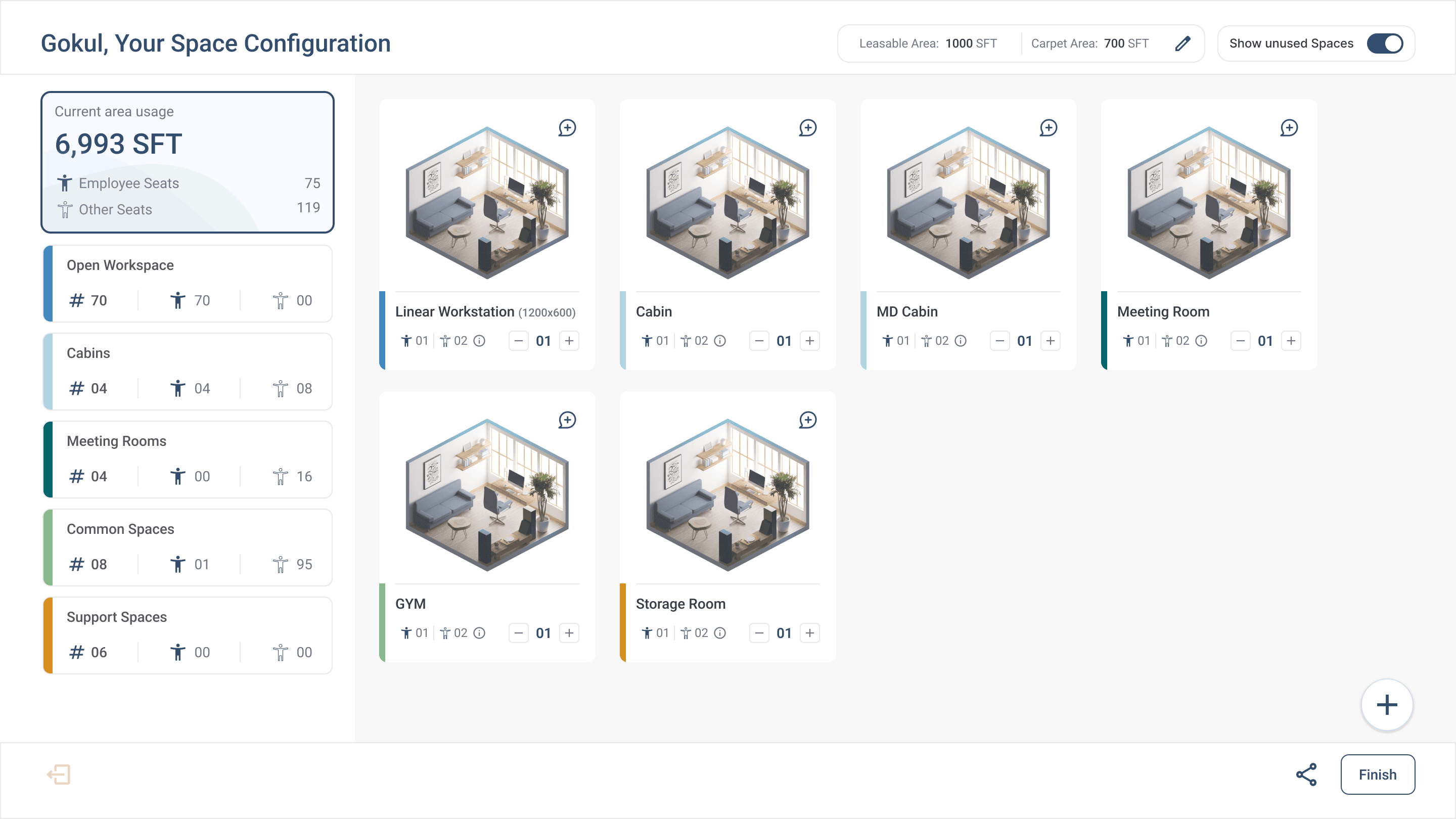
Space Calculator – To help clients visualize their area’s potential, we designed an algorithm-driven tool where they could input their available space. The system would then generate a high-level breakdown of possible layouts, giving them a clear and tangible understanding of what their space could accommodate.
This approach made the meetings more interactive, intuitive, and decision-driven—ensuring better client engagement and conversion.
Guidelines to follow
Intuitiveness
Ensure the tool is simple and user-friendly for clients during meetings.
Engagement
Focus on visual elements to keep clients actively involved.
Accuracy
Use reliable algorithms for precise space calculations.
Clarity
Provide downloadable outputs to reinforce meeting outcomes.
SOLUTION
Concept to Creation
The Problem
Clients struggled to communicate their design preferences due to unfamiliarity with style terminology, and many found it difficult to visualize spatial possibilities. This led to disengagement during meetings and extended decision-making timelines.
The Solution
Using a human-centered design approach, we created two key tools to enhance client engagement and streamline the architectural process:
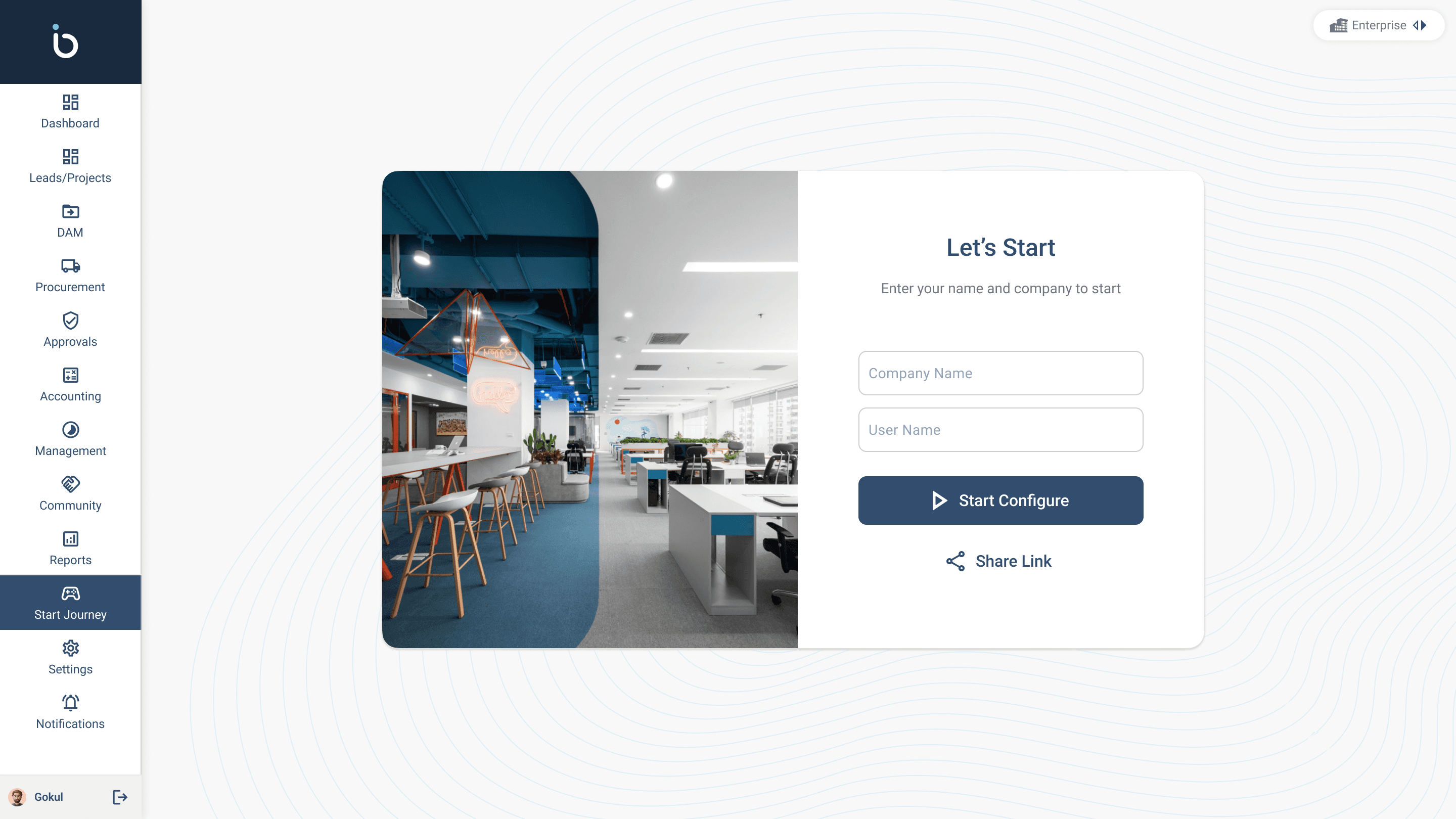
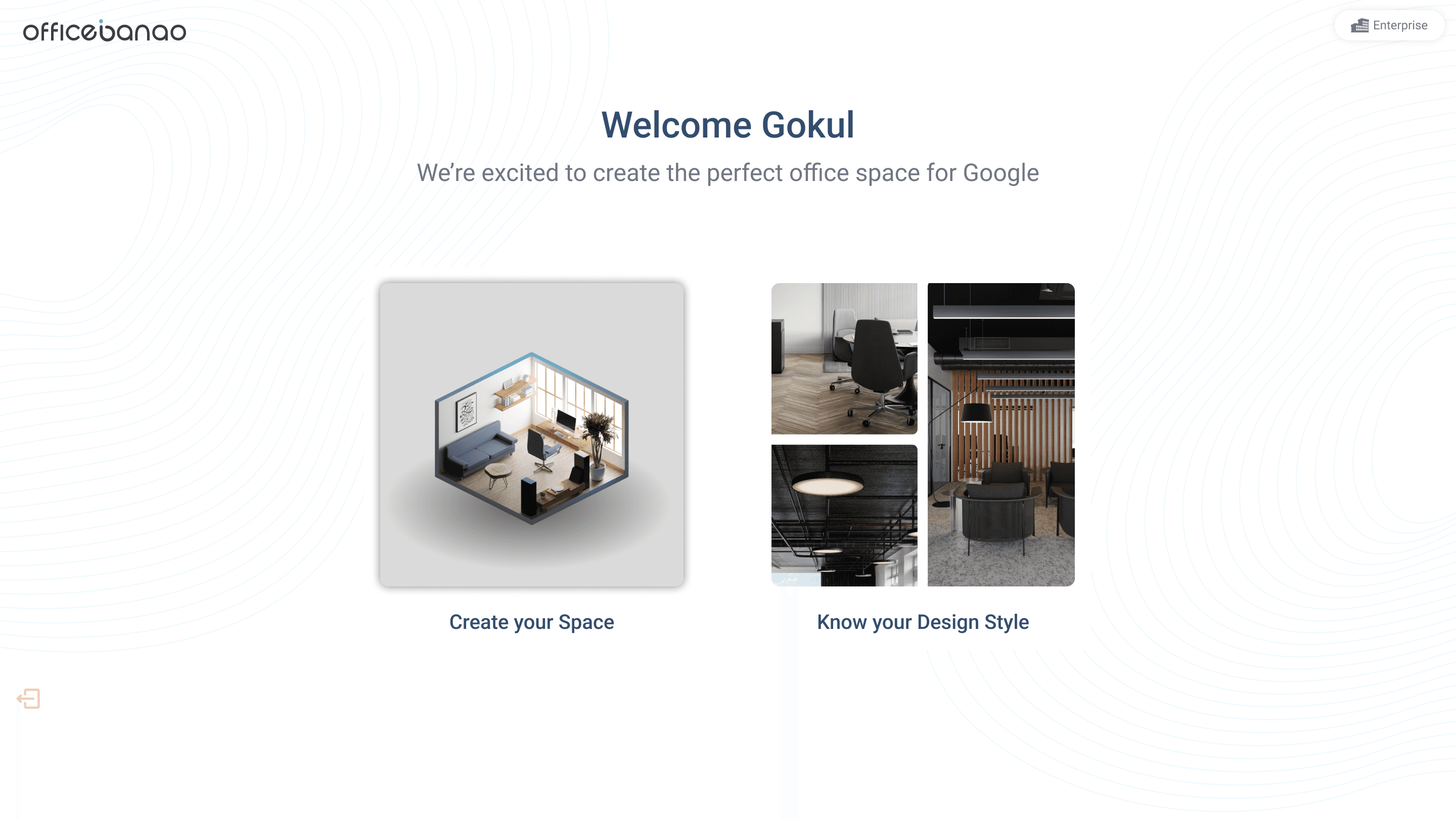
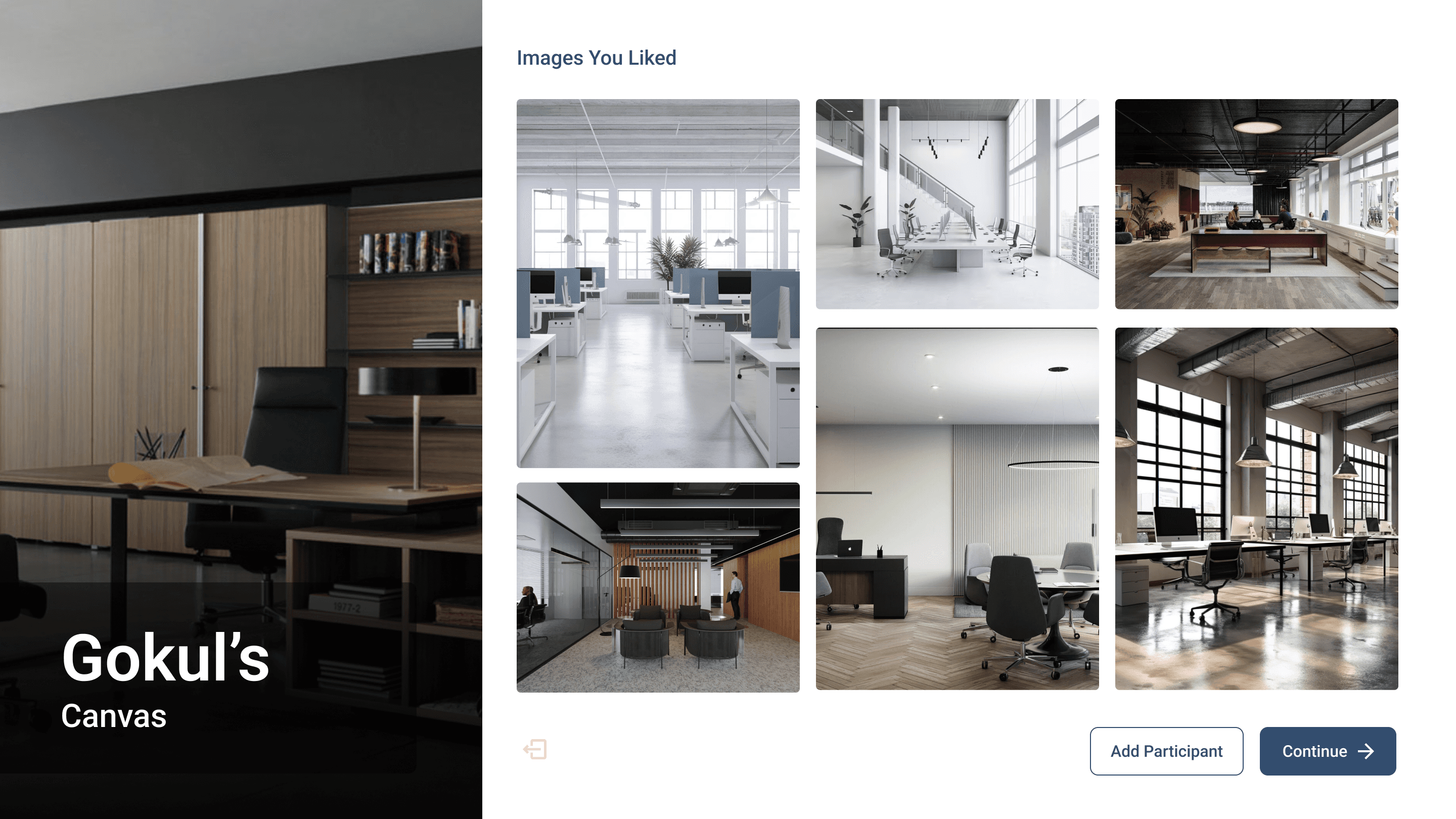
Design Quiz – Instead of relying on complex style terminology, clients can now like or dislike images to express their preferences intuitively. To increase engagement, they can also invite other participants, adding a gamified element that makes the experience more interactive and collaborative.
Space Configuration – Clients no longer need to imagine their space limitations. By simply entering their area, the tool generates a clear breakdown of possible spatial layouts, which can then be customized to fit their needs.

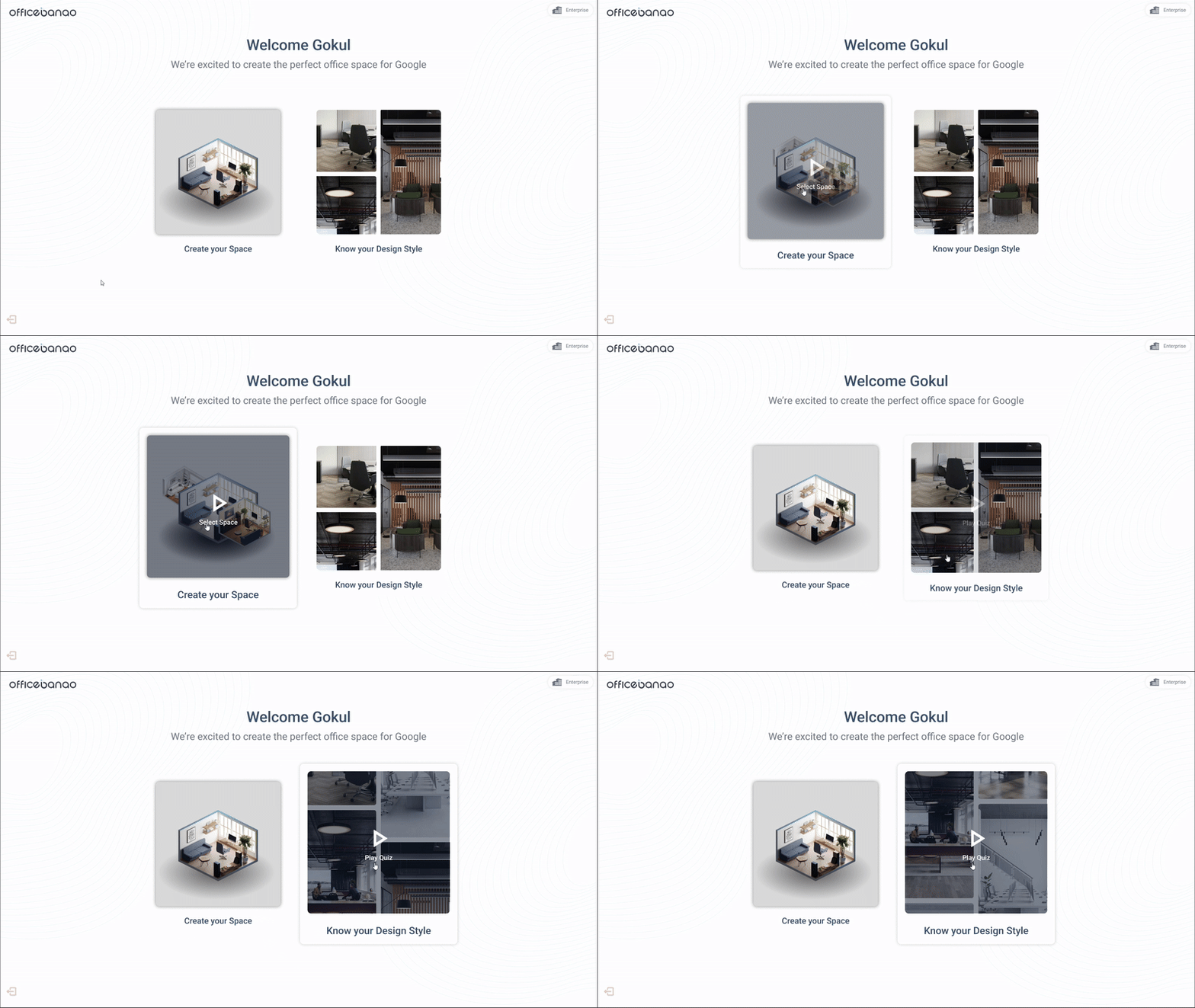

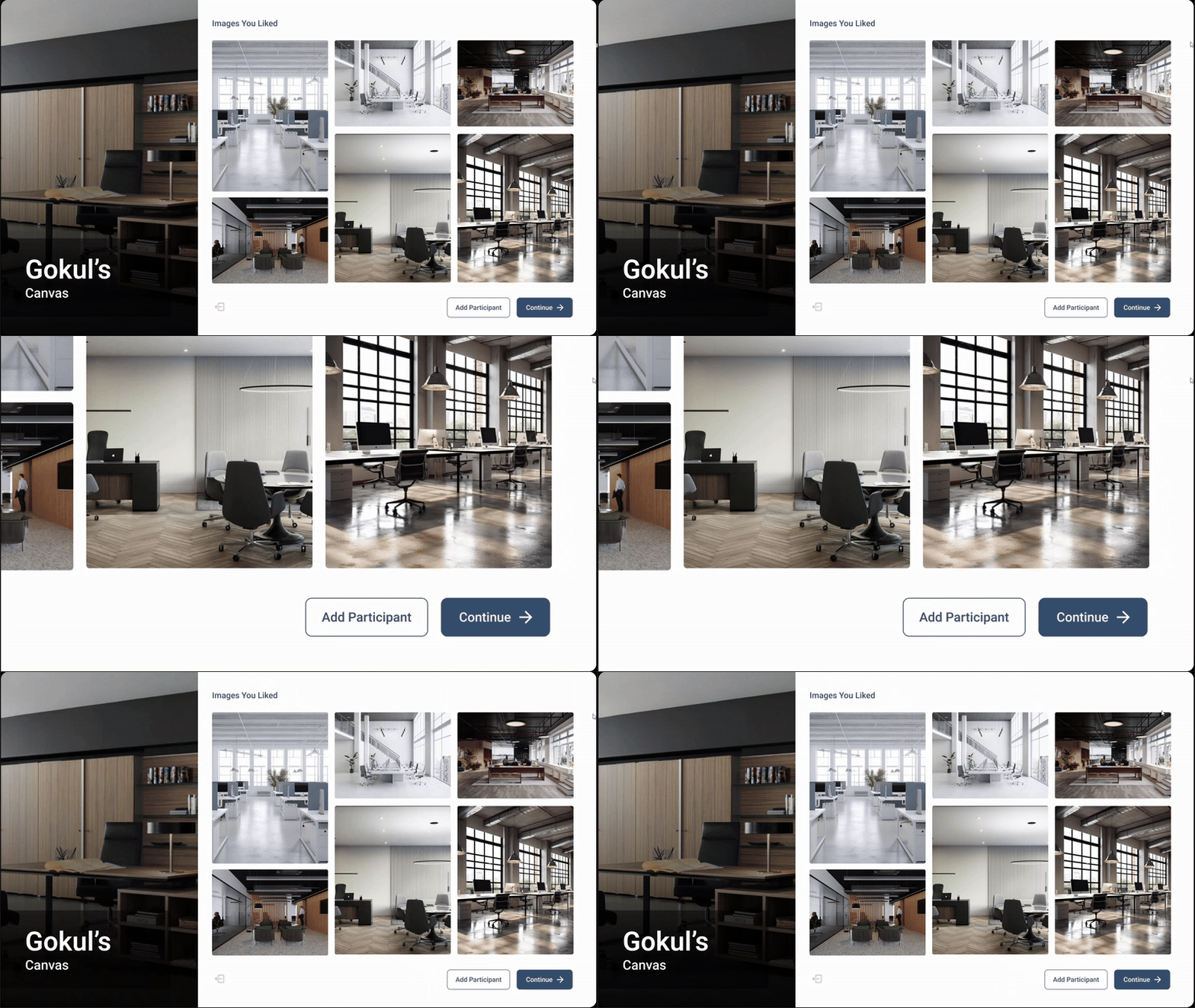
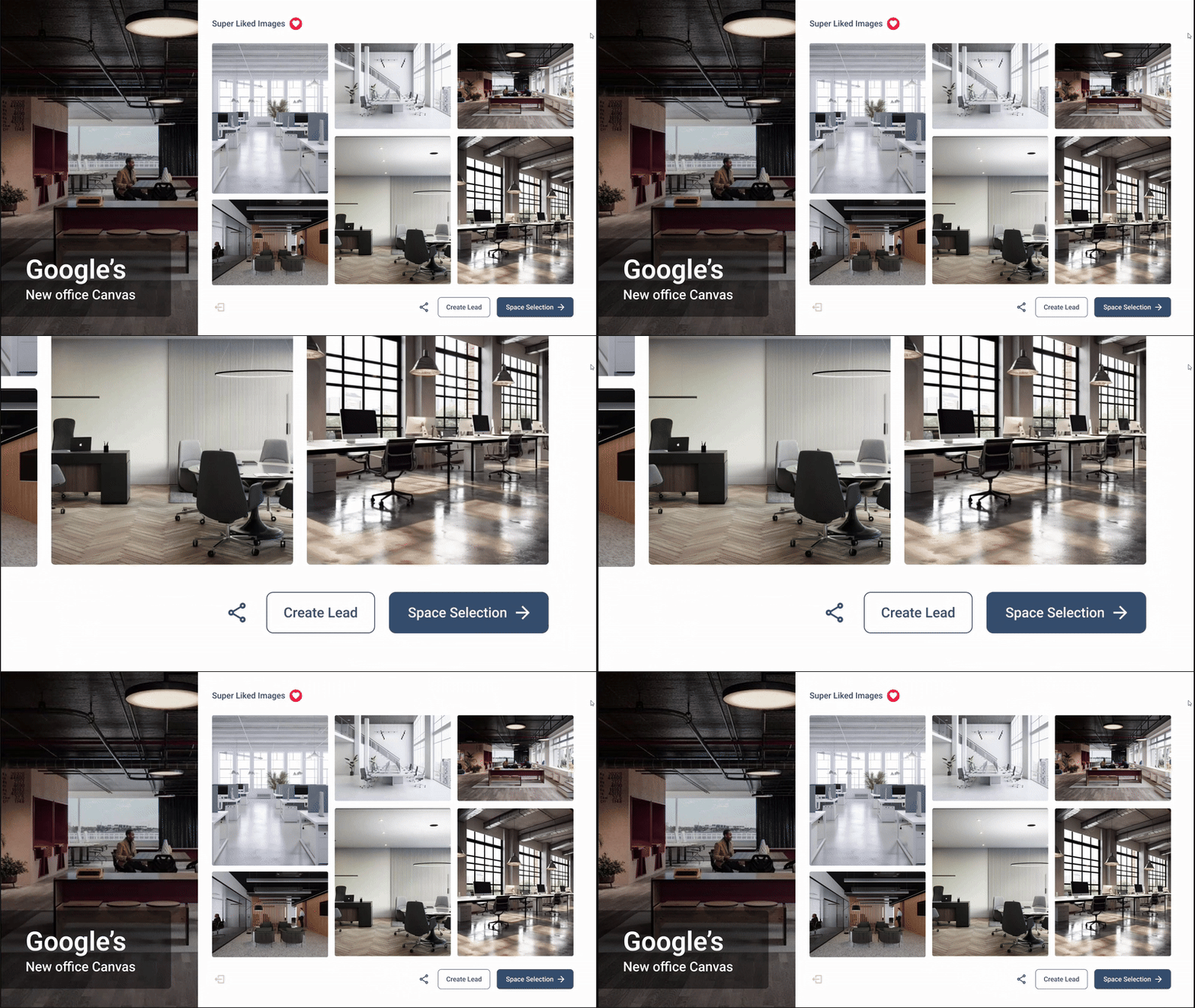
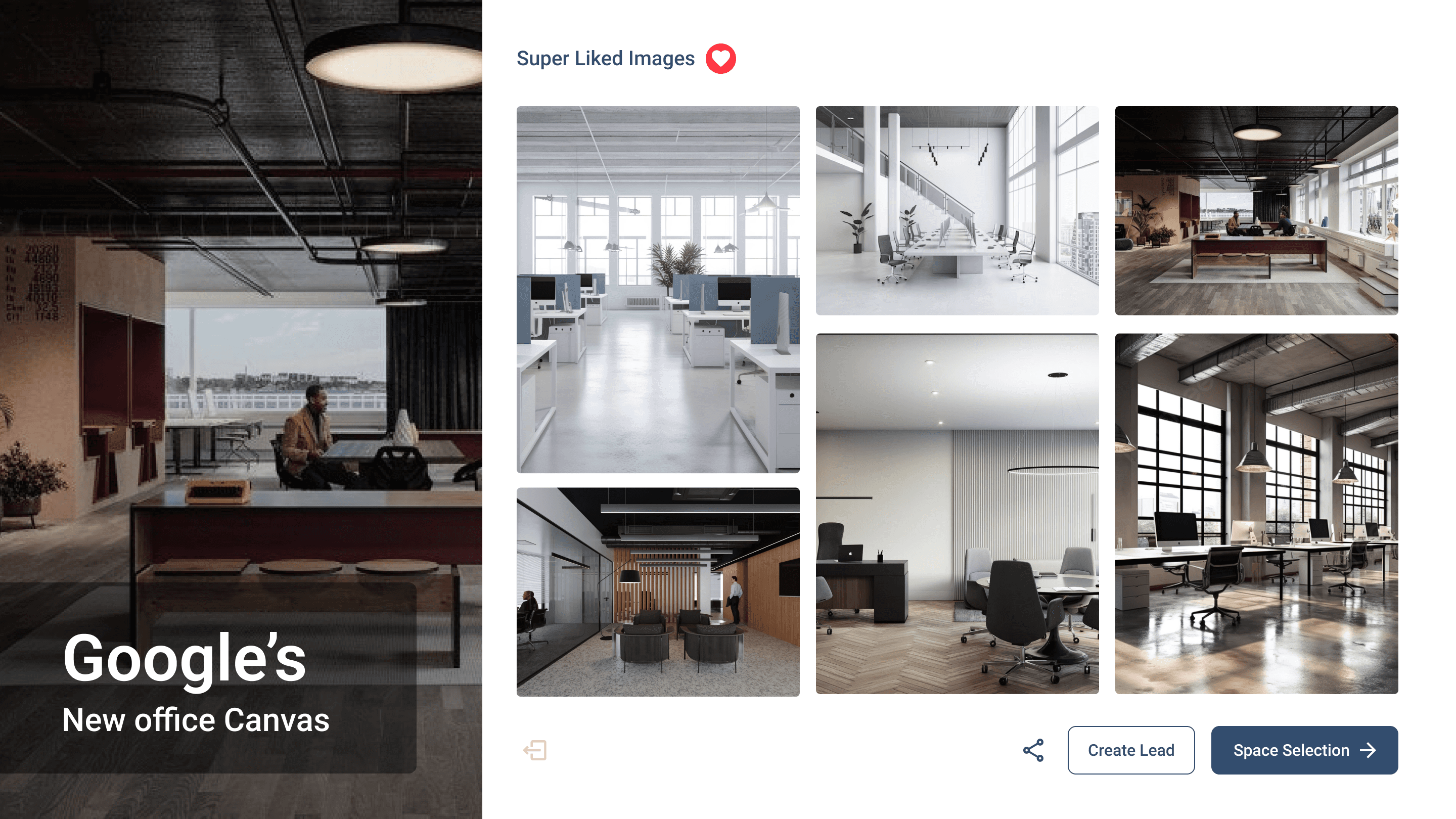
Final Style Compilation
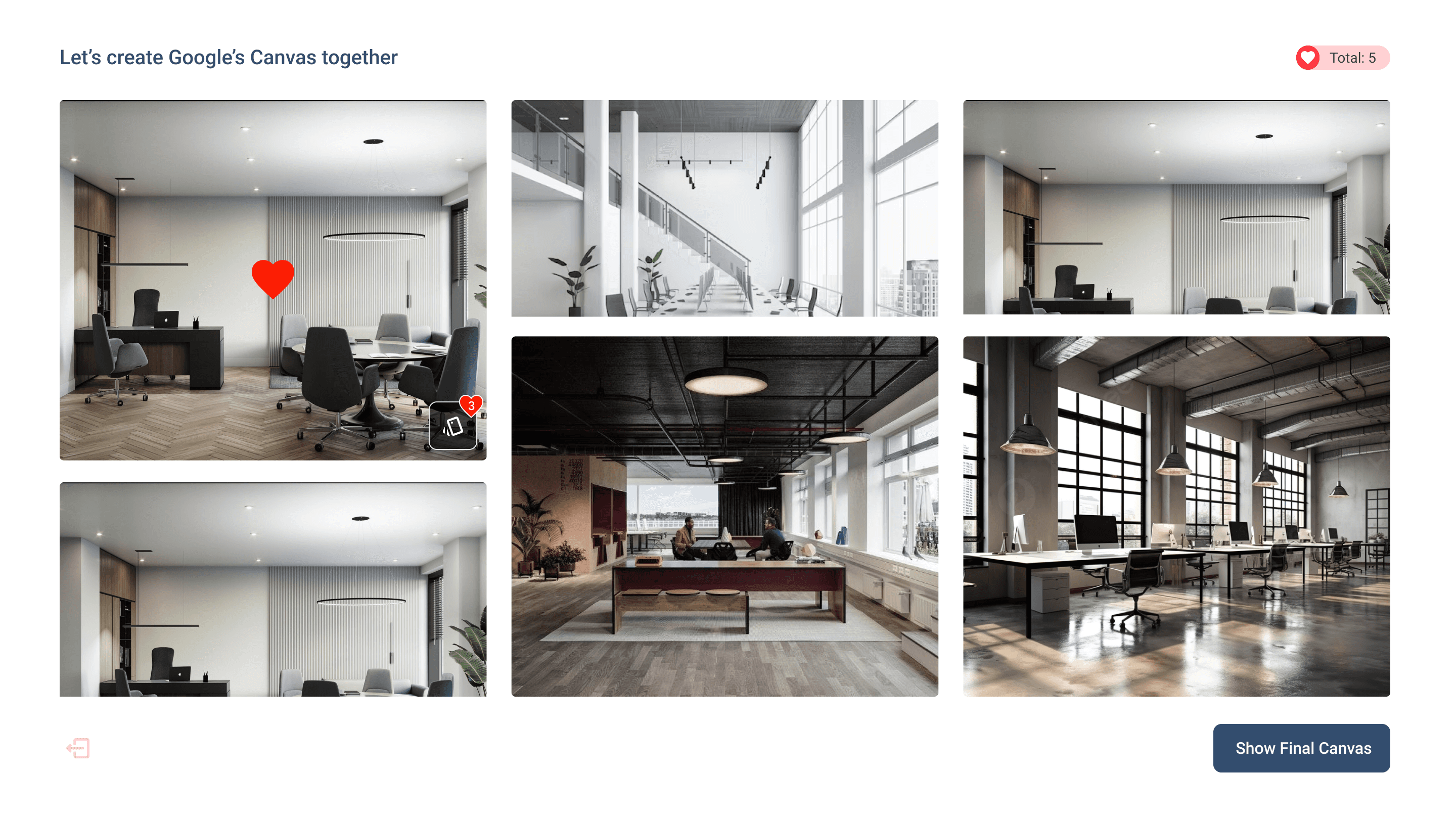
The final consolidated view, integrating multiple users' preferences, highlighting "super-liked" images, and enabling PDF downloads, with a seamless transition to Space Configuration.


IMPACT
Success in Action
Adoption & Usability
Two of the features became widely used by architects, praised for their simplicity and ease of use.
Lead Conversion Growth
With improved meetings, conversion rates increased by 30%, turning discussions into actionable leads.
Industry Recognition
The tool gained traction and was widely discussed at a major architect meet in Mumbai.
Success Metrics & Measurement
User Adoption Rate – Tracked daily active users and session durations.
Conversion Rate – Measured the percentage of meetings turning into leads.
Engagement Analytics – Used heatmaps and feedback surveys to refine the experience.
Ownership & Rights Statement
All content, designs, and solutions presented in this case study are the intellectual property of OfficeBanao (Swash Tech Solutions Pvt. Ltd.). The work showcased reflects my contributions as a product designer; however, the rights to the project, its development, and all related materials belong solely to the company.
Explore More Work